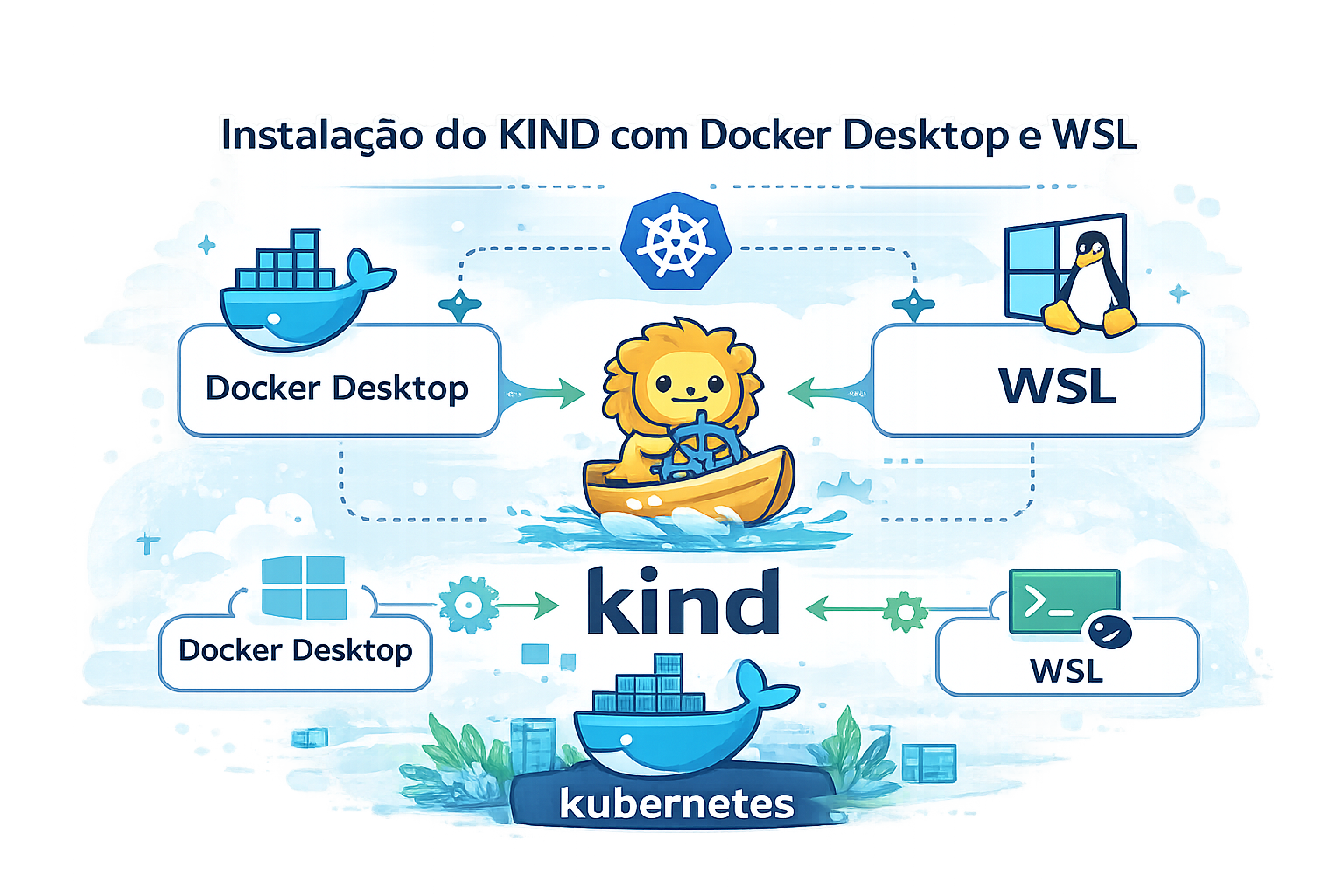
Este guia mostra como preparar o WSL2, integrar o Docker Desktop e subir um cluster Kind local para testes e laboratórios.
Pré-requisitos (Windows)
1) Instalar/ativar o WSL e definir o Ubuntu como padrão
Abra o PowerShell como Administrador e execute:
wsl --install
wsl --set-default-version 2
wsl --install -d Ubuntu
Defina o Ubuntu como distribuição padrão:
wsl --set-default Ubuntu
Reinicie o Windows se for solicitado.
2) Instalar o Docker Desktop
- Baixe e instale o Docker Desktop para Windows.
- Abra o Docker Desktop e finalize o onboarding.
3) Habilitar WSL Integration no Docker Desktop
No Docker Desktop:
- Settings → Resources → WSL Integration
- Marque Enable integration with my default WSL distro
- Ative a integração para Ubuntu
- Clique em Apply & Restart
4) Validar WSL + Docker dentro do Ubuntu
Abra o Ubuntu (WSL) e rode:
wsl --list --verbose
docker version
docker ps
Siga adiante somente se o Docker estiver respondendo sem erros dentro do Ubuntu.
Instalar o Kind
curl -Lo ./kind https://kind.sigs.k8s.io/dl/v0.23.0/kind-linux-amd64
chmod +x kind
sudo mv kind /usr/local/bin/kind
Instalar o kubectl (se ainda não tiver)
sudo apt-get update
sudo apt-get install -y kubectl
Validar Docker + Kind
docker ps        # verifica se o Docker Engine está rodando
kind version     # confirma se o Kind está acessível
Siga apenas se ambos os comandos executarem sem erros.
Criar o cluster Kind
- Crie um arquivo
kind-config.yaml(exemplo abaixo) e ajuste se necessário:
kind: Cluster
apiVersion: kind.x-k8s.io/v1alpha4
nodes:
  - role: control-plane
    kubeadmConfigPatches:
      - |
        kind: InitConfiguration
        nodeRegistration:
          kubeletExtraArgs:
            node-labels: "ingress-ready=true"

    extraPortMappings:
      - containerPort: 80
        hostPort: 80
      - containerPort: 443
        hostPort: 443

  - role: worker
  - role: worker
- Crie um arquivo
test-deploy.yaml:
apiVersion: apps/v1
kind: Deployment
metadata:
  name: http-echo-deployment
  labels:
    app: http-echo
spec:
  replicas: 1
  selector:
    matchLabels:
      app: http-echo
  template:
    metadata:
      labels:
        app: http-echo
    spec:
      containers:
        - name: http-echo
          image: hashicorp/http-echo:0.2.3
          args:
            - "-text=ok"
          ports:
            - containerPort: 5678
---
apiVersion: v1
kind: Service
metadata:
  name: http-echo-svc
spec:
  selector:
    app: http-echo
  ports:
    - port: 80
      targetPort: 5678
---
apiVersion: networking.k8s.io/v1
kind: Ingress
metadata:
  name: http-echo-ingress
spec:
  ingressClassName: nginx
  rules:
  - host: echo.local
    http:
      paths:
        - path: /
          pathType: Prefix
          backend:
            service:
              name: http-echo-svc
              port:
                number: 80
- Crie um arquivo
Makefile:
create-cluster:
	kind create cluster --name dev --config kind-config.yaml

delete-cluster:
	kind delete cluster --name dev

test-deploy:
	kubectl apply -f test-deploy.yaml
	kubectl get pods -l app=http-echo
	kubectl get endpoints http-echo-svc

config-bash:
	sudo apt-get update
	sudo apt-get install -y bash-completion
	kubectl completion bash | sudo tee /etc/bash_completion.d/kubectl > /dev/null
	echo 'alias k=kubectl' >>~/.bashrc
	echo 'complete -o default -F __start_kubectl k' >>~/.bashrc

install-nginx:
	kubectl apply -f https://raw.githubusercontent.com/kubernetes/ingress-nginx/main/deploy/static/provider/kind/deploy.yaml
	kubectl -n ingress-nginx patch deploy ingress-nginx-controller --type='json' -p='[{"op":"add","path":"/spec/template/spec/nodeSelector","value":{"ingress-ready":"true","kubernetes.io/os":"linux"}}]'
	kubectl -n ingress-nginx patch deploy ingress-nginx-controller --type='json' -p='[{"op":"add","path":"/spec/template/spec/containers/0/ports/0/hostPort","value":80},{"op":"add","path":"/spec/template/spec/containers/0/ports/1/hostPort","value":443}]'
	kubectl wait --namespace ingress-nginx --for=condition=Ready pod --selector=app.kubernetes.io/component=controller --timeout=180s
O que cada comando do Makefile faz:
make create-cluster: cria o clusterdevusando okind-config.yaml.make delete-cluster: remove o clusterdev.make test-deploy: aplica o deploy de teste e mostra pods/endpoints.make config-bash: instala bash-completion e configura auto-complete/alias dokubectl.make install-nginx: instala o Ingress NGINX e aguarda o controller ficar pronto.
- Execute na ordem sugerida:
make create-cluster
make install-nginx
make test-deploy
Para testar o Ingress, adicione um host local ou use curl com o header:
curl -H "Host: echo.local" http://localhost
Dicas rápidas
- Caso não tenha o
makeinstalado, rodesudo apt-get install -y make. - Se o Docker não responder no WSL, reinicie o Docker Desktop.
- Garanta que a integração WSL esteja ativa para a distro Ubuntu.
- Evite nomes de cluster duplicados se estiver testando mais de um.